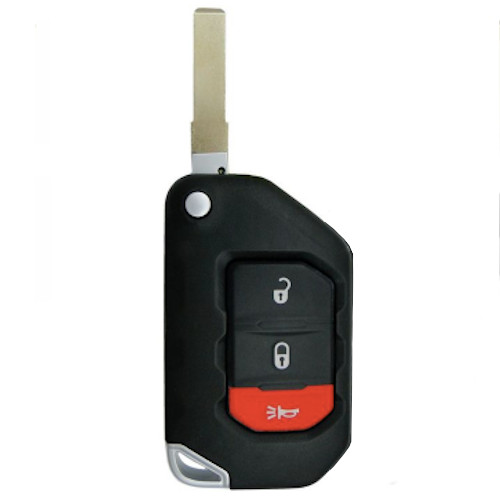
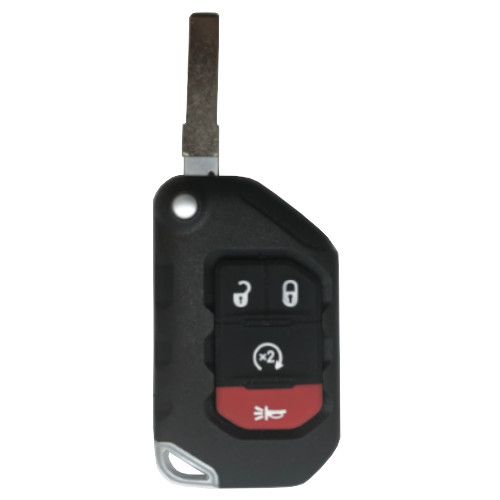
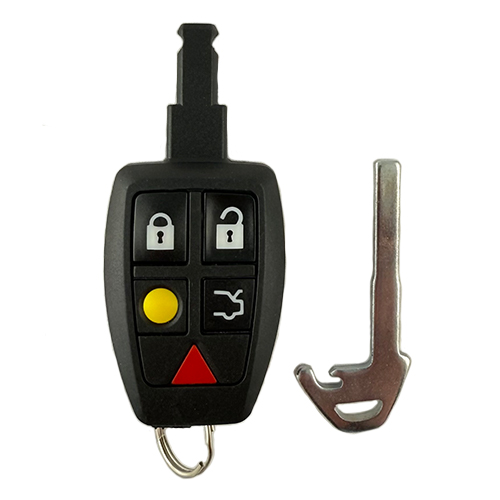
*Will not work for vehicles with prox system.
GM017
101 In Stock
Featured
Price (3.5% OFF)
$24.70
$23.84
Buy 10 or more
Save an additional 5%
$22.64
per unit
SKU / Part Number
GM017
Stock Level
101 units
Programming Instructions
Follow these steps to program this key to the vehicle.
Onboard Programming
Adding Keys (North America, except Canada): Note:
• To initiate, this procedure requires that a learned master key be available.
• A total of 10 keys may be programmed to a single vehicle.
• This procedure adds keys only. The procedure does not erase previously learned keys.
• The keys to be learned must duplicate the mechanical cut of the current key.
• If more than one valet key is to be learned, immediately precede each valet key with a learned master key.
1) Place an already programmed key in the keyway (ignition). Cycle the ignition from OFF to ON.
2) Within 15 seconds, insert the new, properly cut transponder key in the ignition. Turn the key to ON (RUN) or START. The “security” indicator light will go on and off. Turn the key “OFF”.
3) The key will now start the car, and the remote will work. Repeat the second step for each new key to be programmed
Build Instructions
Internal manufacturing and assembly notes.
Tx: HiTag 2 needs to be unlocked
BUILD
K9123601
Unlock on IKeyClone following instructions in IKeyClone Reset binder for Non-Peps GM flip keys.
RECEIVE
PROCEDURE:
- Visually inspect the emergency blade. Make sure it will lock and release correctly and is UN-CUT.
- Use a remote frequency transmit tester to verify button function.
- Using the iKey Clone - place prox on tool.
- Open KEY CLONE/Click OK to detect device/ click NO to new software
- Select magnifying glass to detect transponder. (May need to toy with position to get it to read.)


- Press the pages button to read out key data.

- The flip key is UNLOCKED if the status bar bottom right starts to increase and populates all the data sections on the left. Under Select Type TP should be PCF7941E.

- Flip key is LOCKED if status bar never moves and data on the left column is blank.