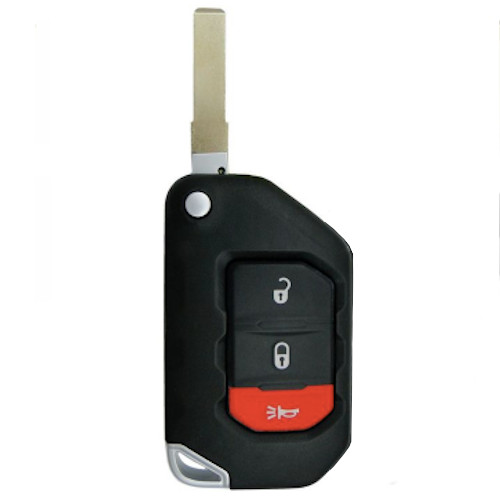
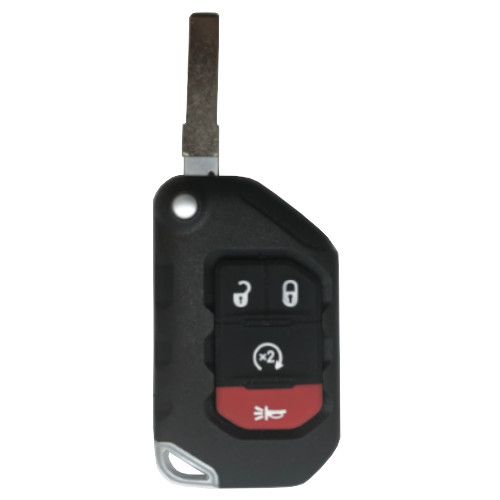
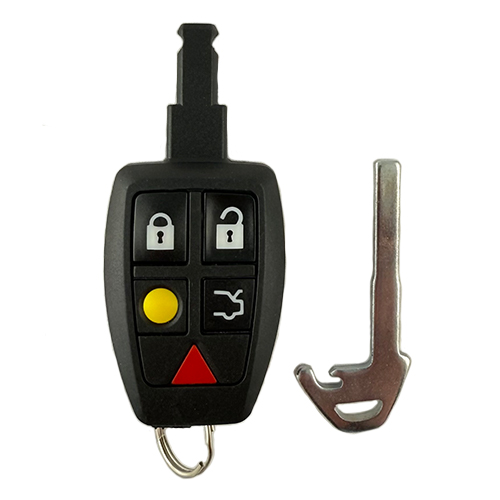
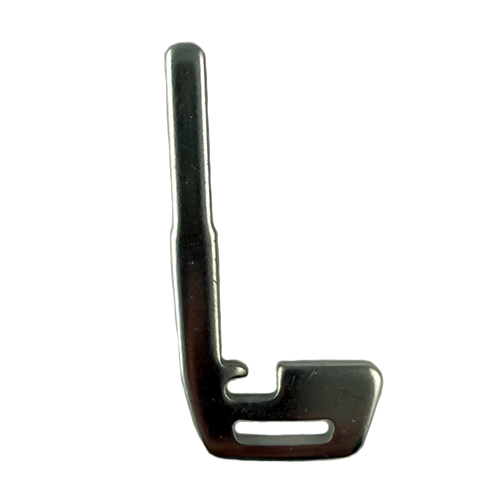
GM031
9 In Stock
Price (3.5% OFF)
$39.00
$37.64
Buy 10 or more
Save an additional 5%
$35.75
per unit
SKU / Part Number
GM031
Stock Level
9 units
Programming Instructions
Follow these steps to program this key to the vehicle.
<strong>You have to program this FOB to your vehicle before it will work. The good news is, you won't need to go to a professional to program this key fob to your vehicle (unless you have a 2011 or newer vehicle-then you must take it to a professional to be programmed). The programming instructions are listed below!</strong>
<strong><u>Programming Procedure</u></strong>
<strong>NOTE: 2011 & newer vehicles must be programmed by an automotive locksmith or dealership.</strong>
<strong>Be sure to review all programming steps before proceeding</strong>
<strong>
PROCEDURE #1</strong>
THIS PROCEDURE IS FOR VEHICLES WITH THE DRIVER INFORMATION CENTER. IT WILL BE A BUTTON TO THE RIGHT OF THE STEERING WHEEL WITH A VEHICLE ICON AND THE LETTER i.
<ol>
<li>Insert key and switch the ignition ON (just shy of starting vehicle without cranking engine)</li>
<li>Press vehicle information button until PRESS TO RELEARN REMOTE KEY is displayed.</li>
<li>Press the set/reset button (button will have a check mark) until REMOTE KEY LEARNING ACTIVE is displayed. Vehicle is now in programming mode.</li>
<li>Press and hold LOCK and UNLOCK buttons at the same time on first remote for approximately 15 seconds. An acoustic signal will be heard indicating successful programming.</li>
<li>Repeat step 4 to program additional remotes. You can have up to 8 programmed remotes for this vehicle. You must program ALL remotes including existing remotes.</li>
<li>To exit programming mode turn ignition OFF, remove key and test all remotes.</li>
</ol>
<strong> </strong>
<strong>PROCEDURE #2</strong>
THIS PROCEDURE IS FOR VEHICLES WITHOUT THE DRIVERS INFORMATION CENTER.
<ol>
<li>Insert key into the ignition and turn to ON (Just shy of starting vehicle without cranking engine).</li>
<li>Press the trip odometer reset button until RELEARN REMOTE KEY is displayed.</li>
<li>Press and hold the trip odometer reset button for approximately 3 seconds until REMOTE KEY LEARNING ACTIVE displays.</li>
<li>Press and hold LOCK and UNLOCK buttons at the same time on first remote for approximately 15 seconds. An acoustic signal will be heard indicating successful programming.</li>
<li>Repeat step 4. to program additional remotes. You can have up to 8 programmed remotes for this vehicle. You must program ALL remotes including existing remotes.</li>
<li>To exit programming mode turn ignition OFF, remove key and test all remotes.</li>
</ol>