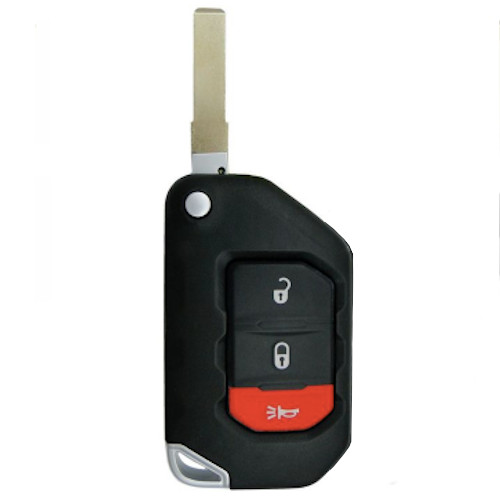
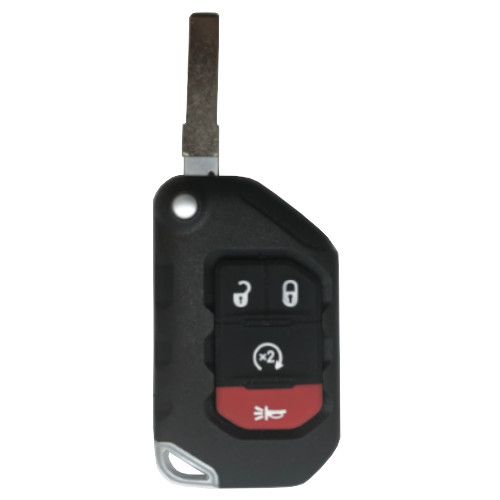
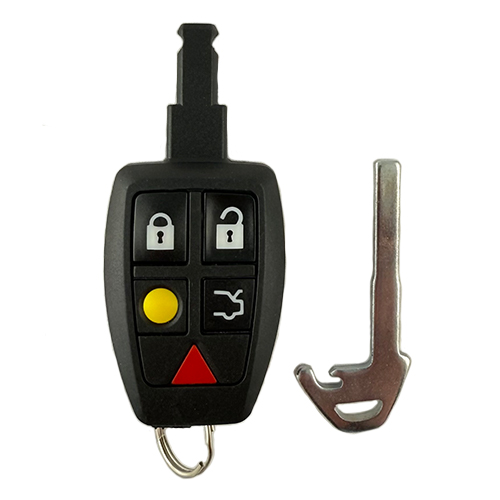
This will NOT work on PEPS (PROX) vehicle.
GM040
52 In Stock
Price (3.5% OFF)
$25.00
$24.13
Buy 10 or more
Save an additional 5%
$22.92
per unit
SKU / Part Number
GM040
Stock Level
52 units
Programming Instructions
Follow these steps to program this key to the vehicle.
Onboard program: Yes (except for Canada)
<strong>Step-by-Step Programming Instructions:</strong>
<strong>Be sure to review all programming steps before proceeding</strong>
<ol>
<li>Insert the original, already programmed key in the ignition and turn to the ON position without starting the car.</li>
<li>After 10 seconds, turn the key to the OFF position and remove the key.</li>
<li>Within ten seconds, insert the key to be programmed and turn to the ON position without attempting to start the car.</li>
<li>The security light will turn off once the key has been programmed. If your vehicle does not have a security light (04-07 Grand Prix, Bonneville, Impala) wait 10 minutes and 45 seconds to make sure the key has been programmed.</li>
<li>Repeat steps 1 through 5 if additional keys are to be programmed.</li>
</ol>
Build Instructions
Internal manufacturing and assembly notes.
Tx: PCF7941E chip needs to be unlocked
These are proving to have some difficult battery connections sometimes. The PCBAs sometimes can short the positive bracket onto negative pads on the board and kill the batteries. I bend the contacting leads to center them on the positive battery contact pad. This keeps them from touching negative pads on the PCBA and batteries can hold their charge.
Added the following OE numbers 25Sept18, 20835406, 20934736 per LSR.
Unlock Tx on IKeyClone and use Kigo shell K81333.
RECEIVE
PROCEDURE:
- Visually inspect the emergency blade. Make sure it will lock and release correctly and is UN-CUT.
- Use a remote frequency transmit tester to verify button function.
- Using the iKey Clone - place prox on tool.
- Open KEY CLONE/Click OK to detect device/ click NO to new software
- Select magnifying glass to detect transponder. (May need to toy with position to get it to read.)


- Press the pages button to read out key data.

- The flip key is UNLOCKED if the status bar bottom right starts to increase and populates all the data sections on the left. Under Select Type TP should be PCF7941E.

- Flip key is LOCKED if status bar never moves and data on the left column is blank.