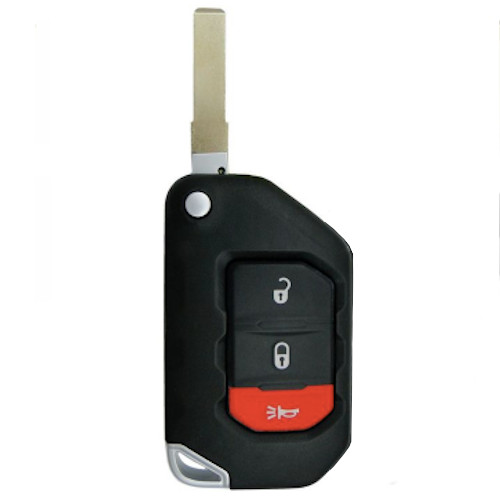
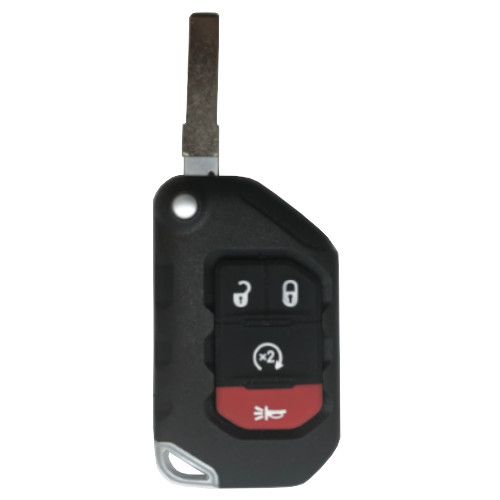
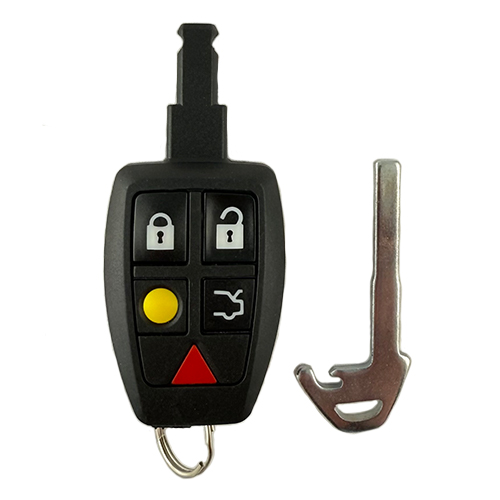
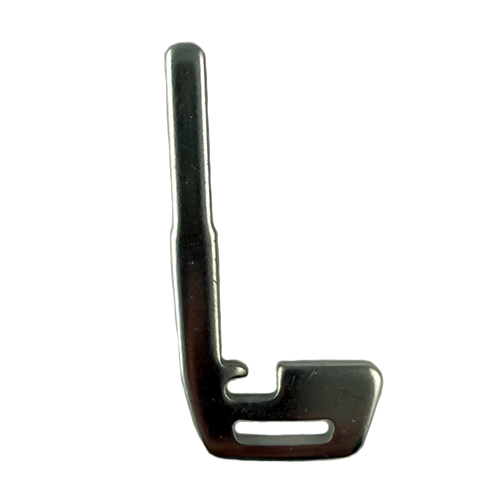
GM195 4 In Stock

Price (3.5% OFF)
$75.00 $72.38
Buy 10 or more
Save an additional 5%
$68.76
per unit
SKU / Part Number

GM195

Stock Level

4 units

Programming Instructions

Follow these steps to program this key to the vehicle.

On-board Programming To Add a Proximity Remote(have 2 programmed keys in hand) 5 minutes <ol> <li>Place the 2 programmed smart keys in the Transmitter Pocket (front cupholder if Chevy or Buick or in the console storage area if a GM).</li> <li>To enter Programming Mode insert the emergency in the door lock and unlock (turn counter clockwise) 5 times within 10 seconds.</li> <li>The Driver Information Console (DIC) will display “READY FOR REMOTE #3, 4, or 5.”</li> <li>Program New Remote<span class="Apple-converted-space">  </span>-Step 1 Place the new smart key into the Transmitter Pocket (refer to Owner’s Manual for location). -Step 2 Press the Engine Start/Stop button. When the smart key is learned, the DIC will display “READY for REMOTE #N.”<span class="Apple-converted-space">                                                                      </span>-Step 3 Remove the smart key fob from the Transmitter Pocket and press the LOCK or UNLOCK button to finalize programming of the remote.</li> <li>Repeat step 4 to program any additional smart key transmitters.</li> <li>Exit Programming Mode after all proximity keys are programmed by pressing and holdingEngine Start/Stop button for 12 seconds.</li> <li>Test all remotes. Programming is complete.</li> <li>To Add a Proximity Remote with 1 or 0 in hand</li> </ol> To Add a Proximity Remote (with 1 or 0 on hand) 40 minutes <ol> <li>To enter Programming Mode insert the emergency in the door lock and unlock (turn counter clockwise) 5 times within 10 seconds.</li> <li>The Driver Information Console (DIC) will display “Remote Learn Pending, Please Wait.”</li> <li>After 10 minutes the DIC with display “Press Start Button to Learn.”</li> <li>After 10 minutes the DIC will again display “Press Start Button to Learn.”</li> <li>After another 10 minutes the DIC will display “Ready for Remote #1.”</li> <li>Place a proximity remote (remember if you have an existing remote it has to be relearned) in the Transmitter Pocket (front cup holder or console storage) and press the Engine Start/Stop button.</li> <li>The DIC will say “Ready for Remote #2 (or #3 etc.). Repeat step 6 for each proximity remote to be added.</li> <li>Press Lock or Unlock on each remote to finalize programming.</li> <li>Exit Programming Mode after all proximity keys are programmed by pressing and holdingEngine Start/Stop button for 12 seconds</li> <li>Test all remotes. Programming is complete.</li> </ol>

Build Instructions

Internal manufacturing and assembly notes.

Needs new picture.

Related Products