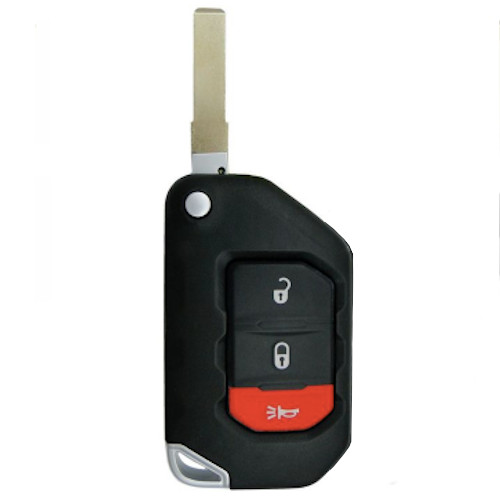
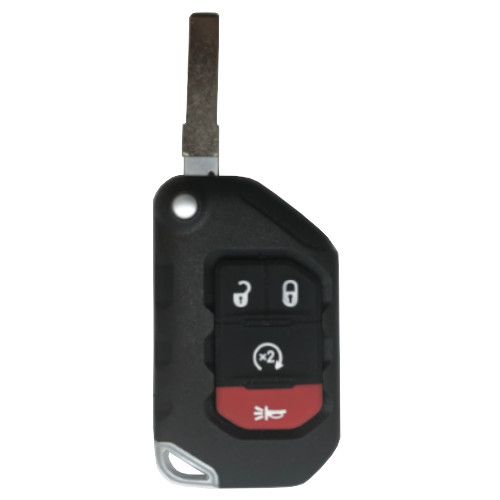
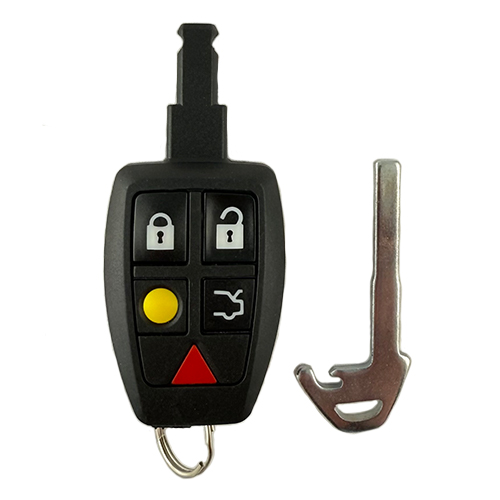
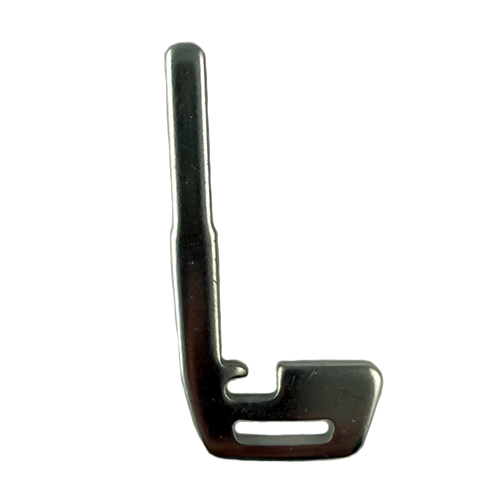
There are two (2) different FOBs for this model, please verify OE Part number by VIN before ordering. Alternate Part is: HKIA174
HKIA063
36 In Stock
Price (3.5% OFF)
$97.50
$94.09
Buy 10 or more
Save an additional 5%
$89.38
per unit
SKU / Part Number
HKIA063
Stock Level
36 units
Programming Instructions
Follow these steps to program this key to the vehicle.
No on-board programming available for this key. Key programming equipment is required.
Build Instructions
Internal manufacturing and assembly notes.
BOARD: UMD
SHELL: (Kigo) K8159802
KEY: HKIA072 ~ IKS SKU: K-HY83
You can identify HKIA063’s by "UMD" on the board. Look for white tracing on the PCBA around the battery. When a button is pressed, watch for a single LED pulse followed by a 433 MHz transmit signal. Pressing trunk or panic will cause an immediate transmit signal, followed by a single LED pulse and another transmit signal.
eBay donors go into Kigo shells. Kigo Part Number: K8159801. Look for eBay donors with the FCC ID: OSLOKA-910T. I recommend paying $ to $ for these donors.
Harvesting Donors:
Remove battery door and battery. Double check the board for white tracing and "UMD" around the battery!
Using an X-acto knife, get beneath the KIA logo and lift it up to reveal a center screw holding the donor together. Remove and keep that Phillips screw.
Swing the blade halfway out and use TOOL001 to remove the short roll pin from the donor. Those roll pins are valuable, don't lose them.
Using a flat blade screwdriver, pry the two halves of the shell apart from where the emergency blade sits. This may be difficult. When a flat blade can't get it done, use needle nose pliers in that slot to add great pressure in separating the two. Beware of flying parts when the case breaks apart.
Separate any pristine and re-usable parts and discard any worn, scratched, or dented that won't make good looking keys. Keep in mind to save the springs, roll pins, and center screws from your donors. They don't need to be pretty, but are broken or lost easily when rebuilding.
Your donor PCBA is lodged in one half of your shell and held in by plastic rivets. Take this half of the shell to the hot air station to warm the plastic tabs enough to push the PCBA out. Don't get it too hot and make a mess or heat up the soldier at all on the board. Be careful not to burn your fingers too.
Rebuilding the key:
With the PCBA out, we are ready to reshell. Find our Kigo shell # K8159801 to put our donor boards into.
Press your PCBA into the half of your shell with the battery access. There are plastic pins that will fit where the plastic rivets were. This centers the PCBA and holds it in place.
Take the silicone button pad and place it in the shell half opposite to where the PCBA is. These will line up when the case snaps together. Find the slender black plastic trim piece and slot it in the half of the shell with the PCBA in it.
Gather the blade parts: the blade, the blade housing, the short roll pin, the spring, and the push button. This key uses the HKIA072, the high security flip key blade with a large milling down the left side of the blade. Usually the blade, roll pin, and the blade housing are already pressed together and assembled. Often the push button and the spring fall out. Insert the push button in the blade housing and line the three tabs on the push button up with the slots on the blade housing. Next insert the rounded end of the spring into the push button. The end of the spring with the anchoring spur is inserted in the half of the shell with the PCBA inside. You will see a round depression with anchoring tabs for the spring to be wound around. Place your anchoring spur in that slot and slide the blade housing all the way down the center spindle until the blade housing sits flat.
Wind the spring by turning the blade clockwise for 720 degrees. I find that two windings is enough to put nice tension on the spring, but doesn't bend that spring and makes it useless. Depending on the spring, you may like one turn only, perhaps three. I usually do two. With the spring wound, be careful not to allow the blade housing to lift too far away from your shell. That blade will unhook and fly out or bend and be worthless. Grab the other half of the shell and make sure the silicone button pad is nice and snug against the buttons. Line the top of the key up with the push button and snap the two halves together. Be sure to press hard along the top of the key, then the bottom half. Check the snap on the blade to be sure that your winding is just right. Too little tension and the blade will be hesitant to flip out. Too much tension and your spring will be bent and won't spring out either.
Replace the CR2032 battery after checking that it's voltage is more than 3.2 volts. Snap the battery door on and do a transmit test for all of the buttons on the key. If you get no transmission, check the batteries voltage again and bend the tin contacts on the PCBA a bit for a better connection.
Install the center screw in the back of the key where the logo will go. You want tension on that screw, but not too much that the blade won't swing out. If your blade won't come out, back the screw off one quarter of a turn and try again. When the blade swings out, you are ready for a logo.
Find the bevelled KIA logos from the logo bin. I always drop the tiniest drop of super glue on the middle of the logo depression. Remove the protective paper from the back of the logo (I like an X-acto for this) and place the logo in the center of the depression on the super glue dot. Once that super glue dries, that logo is not moving. Be sure it is in good position before it cures. Take a spudger and lift a corner up on the blue protective film covering the face of the logo. Lift that blue plastic wrap away and inspect the key for any defects or signs of wear.
This key is done!