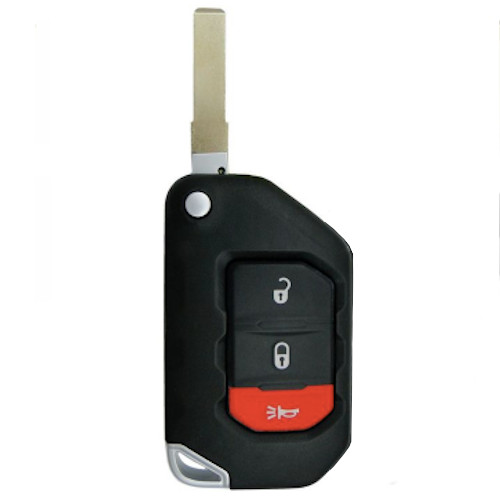
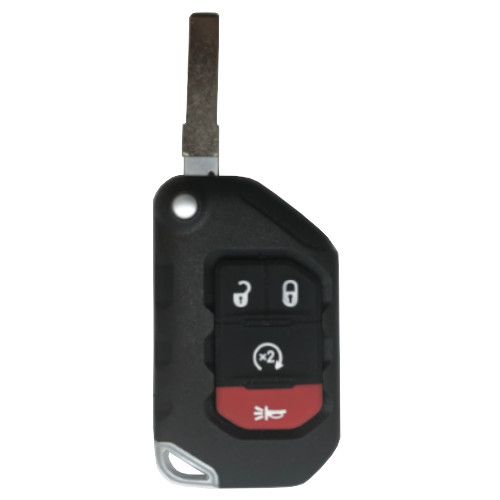
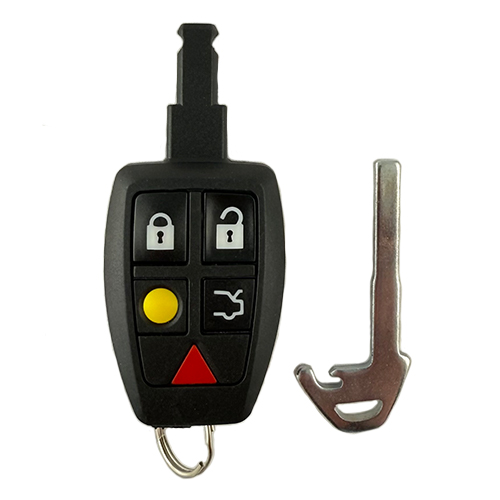
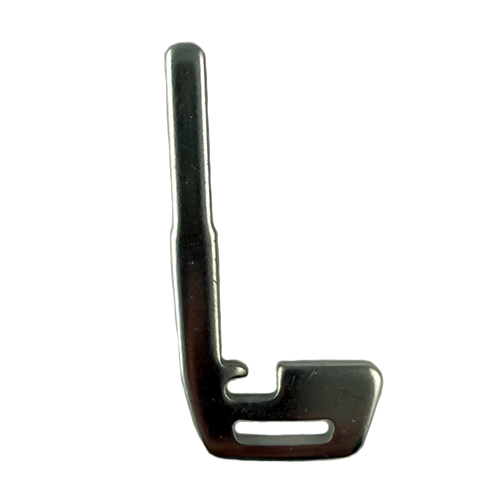
*Must match FCC ID number with the original remote key.
MAZ011
4 In Stock
Price (3.5% OFF)
$62.40
$60.22
Buy 10 or more
Save an additional 5%
$57.21
per unit
SKU / Part Number
MAZ011
Stock Level
4 units
Programming Instructions
Follow these steps to program this key to the vehicle.
<h1 class="name post-title entry-title"><span style="font-size: 16px">PROGRAMMING THE REMOTE portion of the flip key.</span></h1>
<h1 class="name post-title entry-title"><span style="font-size: 16px">For vehicles without Smart Entry System</span></h1>
<div class="entry">
1. Get in vehicle and close all doors, then open the drivers door and leave it open.
2. Within 24 seconds you must insert key into the ignition and cycle the ignition switch to ON and then OFF three times and leave the key in the ignition. Then close and open the drivers door three times.
<del>3. When done properly the doors will automatically lock and then unlock. Now the vehicle is in programming mode. If locks do not cycle you must start the procedure over.</del>
4. Push the unlock button twice on the first remote to be programmed. The door locks will cycle automatically to indicate successful programming. If there is only one remote to be programmed to the vehicle you must push any button twice again on the same remote, wait for locks to cycle, then push any button twice one more time on the same remote.
If there are two remotes to be programmed then press any button on the second remote twice, wait for locks to cycle, then push any button twice again on the second remote. To program three remotes to this vehicle you must press button twice on second remote, wait for locks to cycle, then press any button twice on the third remote.
5. Programming is now complete. Close the door and test remotes to ensure proper programming.
</div>