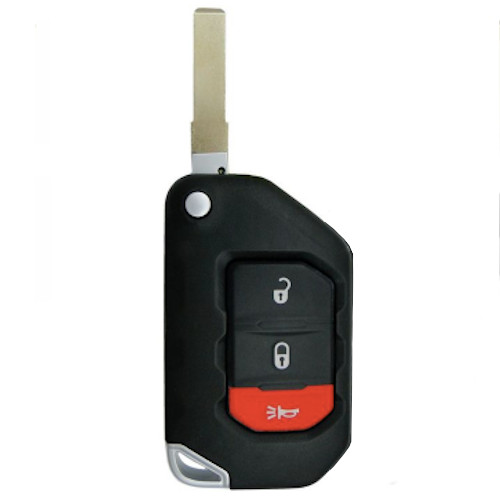
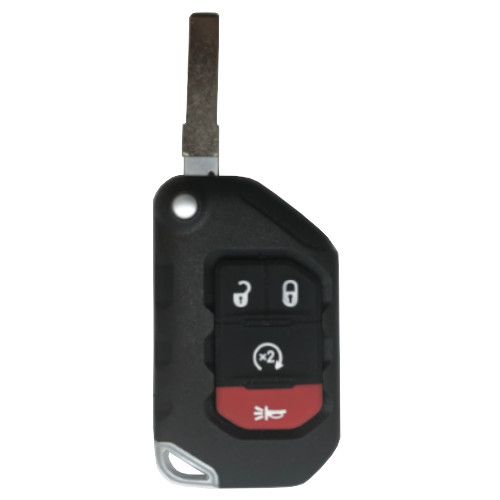
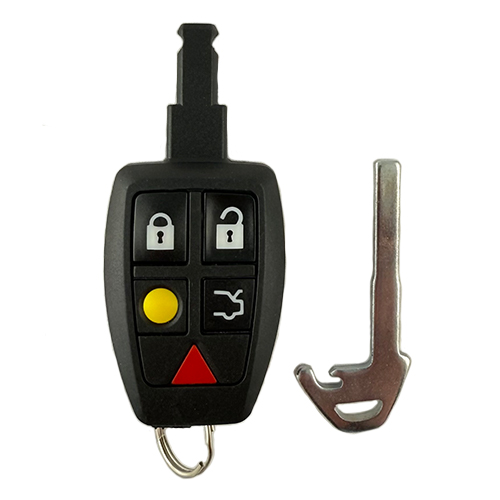
MITS002
3 In Stock
Price (3.5% OFF)
$110.50
$106.63
Buy 10 or more
Save an additional 5%
$101.30
per unit
SKU / Part Number
MITS002
Stock Level
3 units
Programming Instructions
Follow these steps to program this key to the vehicle.
<div class="page" title="Page 522">
<div class="layoutArea">
<div class="column">
How to program the buttons on Remote Head Keys:
1. Connect the T-Code to the car’s OBD2 port using the TAN G dongle or Smart Dongle.
2. Select +Mitsubishi/+USA/+LANCER CAN
3. Perform SMC (Smart Calculator, not needed with smart dongle). Switch the IGNITION ON when instructed by the T-Code.
4. ECU IDENTIFICATION SCREEN with some part numbers should appear. PRESS ENTER.
5. Go to the SPECIAL FUNCTION MENU.
6. SELECT +PROGRAM REMOTE
7. A WARNING “ALL KEYS WILL BE CLEARED DO YOU WISH TO CONTINUE.”
SELECT the CHECK MARK to continue.
8. RKE PROGRAMMING SCREEN should appear saying to perform manual procedure
and the # of remotes currently programmed. LEAVE THE KEY IN THE ON POSITION, set the PRO aside so you can perform the necessary steps with the remote but make sure you can see the PRO screen.
9. PRESS AND HOLD (BOTH) the LOCK & UNLOCK BUTTON on the RKE for 3 seconds (or 3 flashes of the LED on the RKE)
10.Release both buttons and wait 1 second.
11 PRESS AND HOLD the UNLOCK button for 2 seconds (or 2 flashes of the RKE LED)
12. If the procedure has worked the LED on the RKE will ash once and the T-Code screen should show the number of remotes programmed Should advance by one (1).
13. You can repeat steps 9-12 until the max number of up to 4 RKE’s are programmed.
NOTES:
A. ALL RKE's MUST BE PROGRAMMED IN THE SAME programming session.
b. ALL PREVIOUSLY PROGRAMMED RKE’s will be erased and only those used in the session are programmed.
C. It may take a few tries. vary the timing a bit on holding the buttons until you are successful (differences in cars).
</div>
</div>
</div>
Build Instructions
Internal manufacturing and assembly notes.
Use 625M-A Remote heads with 4 button shells.