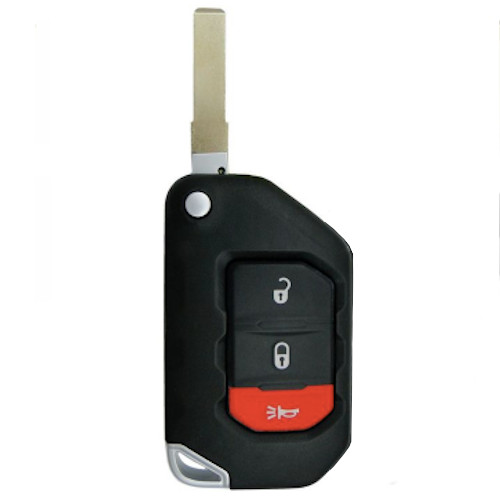
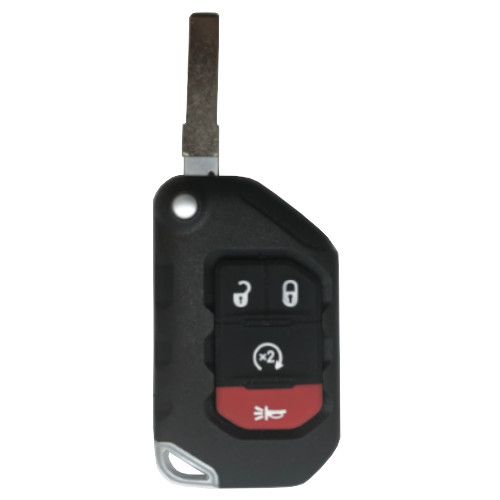
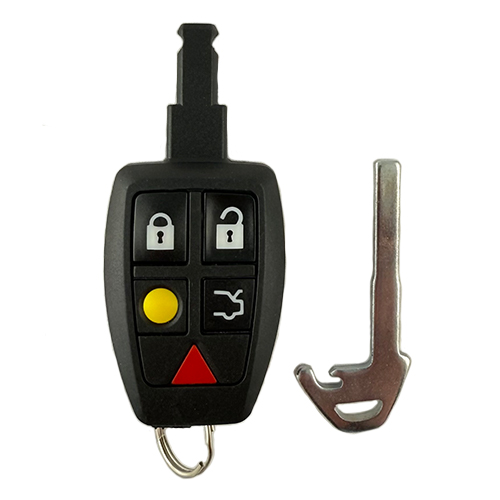
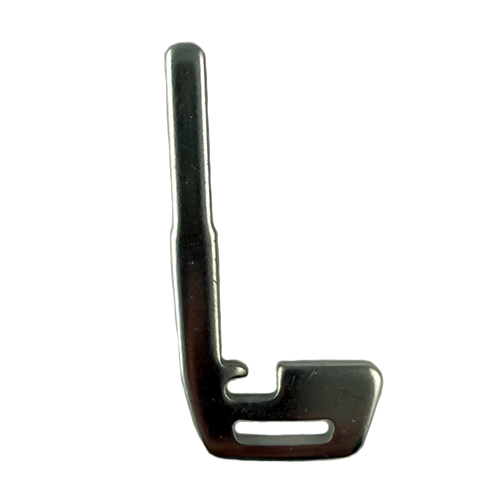
07 Is Split Year Keyway - Please Verify!
MITS004
6 In Stock
Price (3.5% OFF)
$110.50
$106.63
Buy 10 or more
Save an additional 5%
$101.30
per unit
SKU / Part Number
MITS004
Stock Level
6 units
Programming Instructions
Follow these steps to program this key to the vehicle.
<u> <strong>2007 Eclipse</strong></u>
<strong>Be sure to review all programming steps before proceeding</strong>
<strong>This procedure does NOT program the key portion of the Key-Remote Combo.
It only programs the remote portion. </strong>
<ol>
<li><strong> Locate the Data Port under drivers side dashboard usually located to the right
of steering column. </strong><strong>
</strong><strong>(SEE GALLERY OBD PHOTO)
</strong> <strong> </strong></li>
<li><strong> Insert keys in ignition and leave in the OFF position.</strong></li>
</ol>
<strong> </strong><strong> </strong>
<ol start="3">
<li><strong> Make sure there are metal contact pins in terminals 1 and 4 and connect the
Data Port terminals 1 and 4 with a suitable jumper wire, leave the jumper
wire connected throughout the programming procedure. Make sure you
know which terminals are 1 and 4.</strong></li>
</ol>
<strong> </strong><strong> </strong>
<ol start="4">
<li><strong> Within 10 seconds after connecting the jumper wire, press the Hazard
Switch 6 times. Note: The doors will automatically lock and unlock once at
this time indicating that the system is in the programming mode. </strong></li>
</ol>
<strong> </strong><strong> </strong>
<ol start="5">
<li><strong> Press the LOCK button on the remote to be registered three times within
10 seconds. Upon successful programming, the door will lock and unlock
once.</strong></li>
</ol>
<strong> </strong><strong> </strong>
<ol start="6">
<li><strong> Repeat step 5 with up to 4 remotes (including any existing remotes) within
one minute. After completing each programming, the doors will lock and
unlock once.</strong></li>
</ol>
<strong> </strong><strong> </strong>
<ol start="7">
<li><strong> Disconnect the programming wire and remove the keys from the ignition.</strong></li>
</ol>