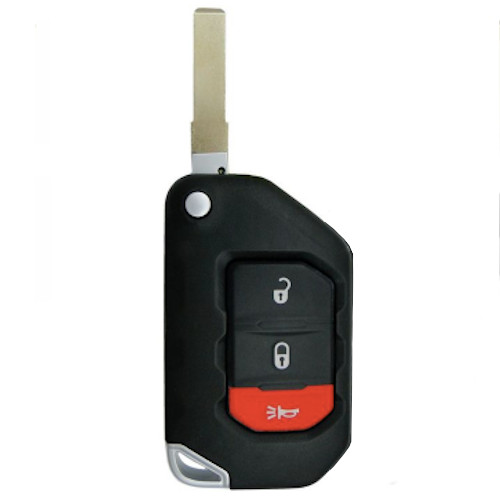
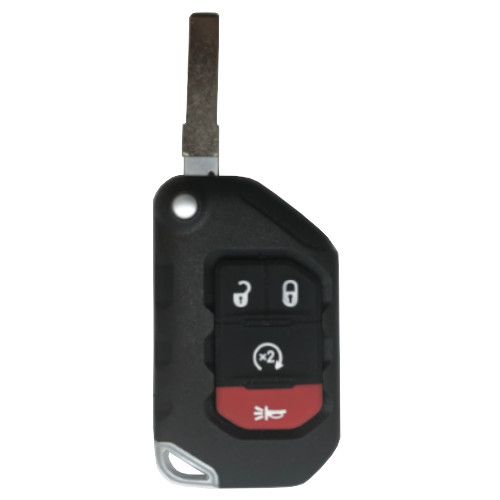
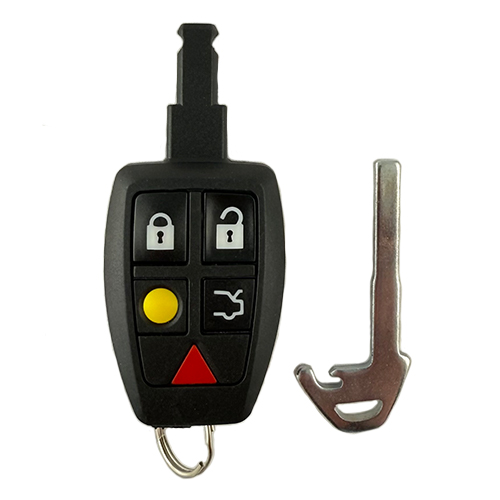
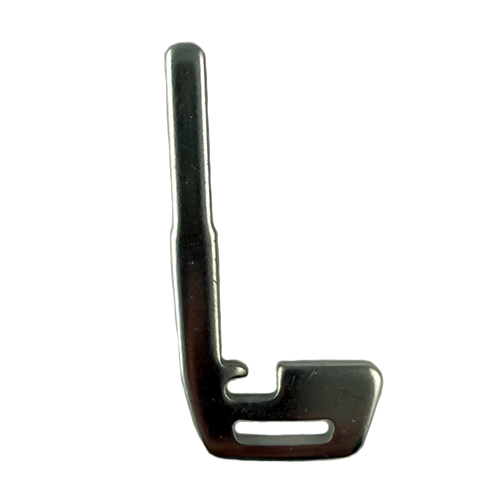
Onboard Programming up to 2012, after that use T-code or TechStream. Some Toyota Highlander's may not be (OBP) OnBoard Programmable.
TOY029
19 In Stock
Price (3.5% OFF)
$52.00
$50.18
Buy 10 or more
Save an additional 5%
$47.67
per unit
SKU / Part Number
TOY029
Stock Level
19 units
Programming Instructions
Follow these steps to program this key to the vehicle.
T-Code procedures: Goto Toyota / Program by System / choose Type 4. and follow instructions on screen.
<strong>Be sure to review all programming steps before proceeding</strong>
This will erase ALL remotes. So have all remotes to add in ready.
<strong> </strong>1.<strong> </strong>Start with the key out of the ignition, drivers door is open, all other doors and trunk closed and drivers door is unlocked.
2. Perform these steps within 5 seconds:
A. Insert the key into the ignition (Do NOT Turn it) and Pull key out.
B. Insert the key into the ignition (Do NOT Turn it) and Pull key out.
3. Perform these steps within 40 seconds:
A. Close then open the driver’s door.
B. Close then open the driver’s door.
C. Insert the key into the ignition (Do NOT Turn it) and Pull key out.
4. Perform these steps within 40 seconds:
A. Close then open the driver’s door.
B. Close then open the driver’s door.
C. Insert the key into ignition and leave it in the ignition.
D. Close the driver’s door.
E. Turn the ignition to ON (Do NOT Start or crank engine) then back to OFF. Two (2) times !!
F. Remove the key from the ignition.
5. Within 3 seconds, the power door locks should lock then unlock (Twice) automatically indicating successful entry into programming mode. Return to step 1 if the door locks do not cycle at this point.
6. Perform these steps within 40 seconds:
A. Press the lock and unlock buttons on the remote simultaneously for 1.5 seconds.
B. Immediately after letting go of the lock and unlock buttons, Press the lock button by itself and hold for 2 seconds. Within 3 seconds, the door locks should lock and then unlock once indicating successful programming. If the door locks cycle twice, repeat steps A and B in step 6, as the remote was not accepted.
C. Repeat steps A and B in step 6 for each new remote.
7. Open drivers door. Programming is complete.